
Inbox to Action: How to Turn Every Email Contact into a Follow-Up Opportunity

Email can be both a blessing and a burden. Every day, we receive dozens—if not hundreds—of emails: intros, updates, requests, proposals, and more. Within that flurry of activity, valuable relationships and follow-up opportunities are constantly being created… and just as quickly forgotten.
The truth is, our inboxes are full of potential—but without the right system, that potential goes untapped. If you’ve ever found yourself thinking, “I meant to follow up with them,” or “I can’t find that email,” you’re not alone. The real challenge isn’t making contact—it’s managing it.
What a follow-up system actually has to do is unglamorous: turn a message into a record, put the record where you will see it again, and attach a date to it. ContactsPlus is built around that sequence.
This article will show you how to turn everyday email interactions into actionable, organized contacts. From auto-syncing email signatures to setting follow-up reminders, you’ll discover a simple yet powerful workflow to ensure that every email becomes a follow-up opportunity, not a missed one.
The Hidden Gold in Your Inbox
You don’t need more leads—you need to make the most of the ones you already have. The average inbox contains:
- New introductions that need nurturing
- Project collaborators worth staying connected to
- Potential clients who asked for more info
- Vendors or service providers you may want to work with again
- Partners or referrers who deserve a thank-you and check-in
Yet, most professionals move from one message to the next, responding without recording any information or setting up a way to reconnect. That’s how follow-ups get forgotten and opportunities fall through the cracks.
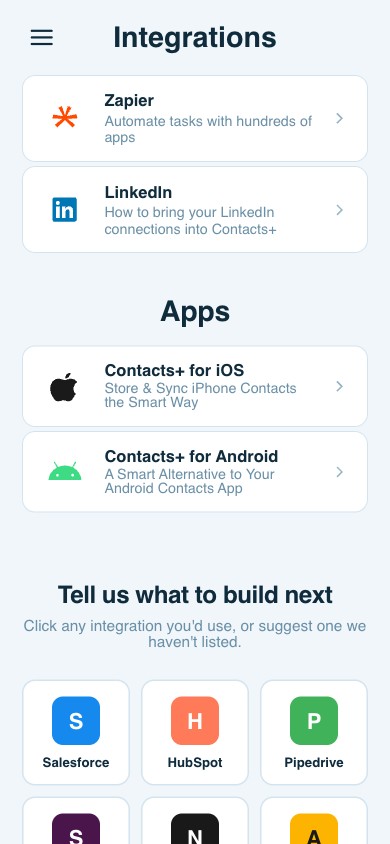
The solution? Build a bridge between your inbox and your contact management system.
Step 1: Capture Contacts Automatically with Email Signature Syncing
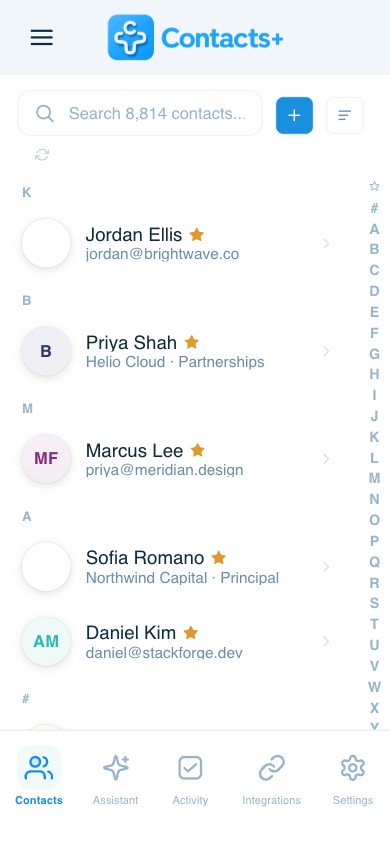
Manually creating contact records is a tedious task, and it rarely gets done consistently. That’s why ContactsPlus offers automatic signature capture, a feature that pulls contact info straight from your emails—no copying and pasting required.
Here’s how it works:
- ContactsPlus scans your email inbox for email signatures.
- When it detects a signature, it extracts the sender’s name, title, company, phone number, email address, and more.
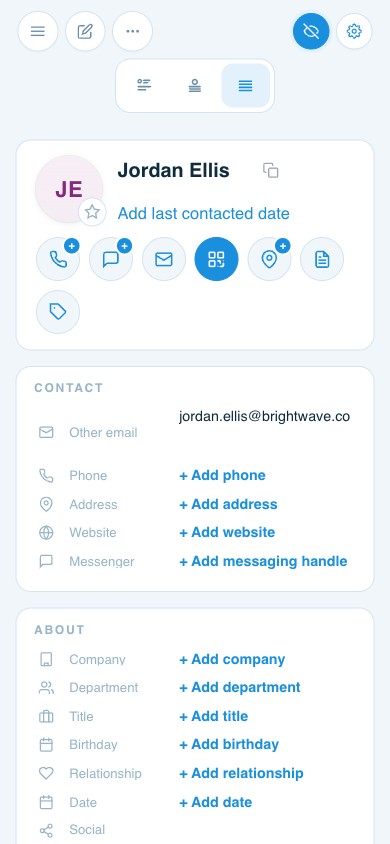
- The information is turned into a structured contact card that you can edit, tag, and organize.
Why it matters:
This automation ensures that anyone you’re corresponding with—whether it’s a potential client, vendor, or lead—is added to your contact list without any manual effort.
Pro Tip: Pair this with Gmail or Outlook integration so new contacts are synced seamlessly from your primary inbox.
The Step Most People Skip: Make Sure It’s One Contact, Not Three
Capture creates a new problem in its first week. The person who just emailed you is probably already in your address book — once in a work Google account from a calendar invite two years ago, once in iCloud because you saved their mobile on your phone, and now a third time from their signature. Same person, three records, each holding a different fragment of the relationship.
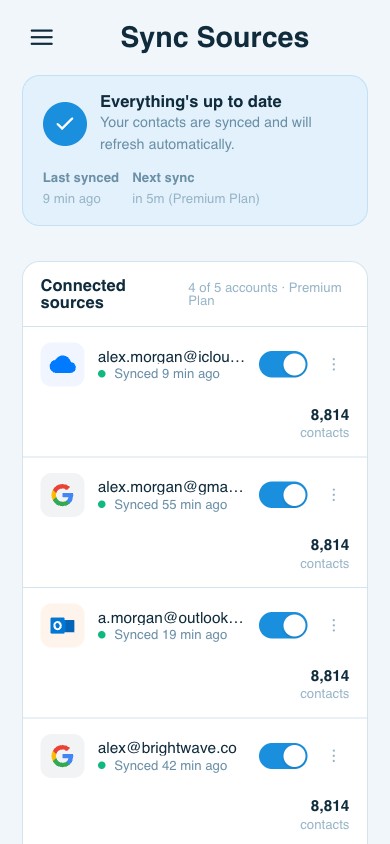
That matters more here than almost anywhere else, because a follow-up reminder attached to the wrong copy is a reminder you will never see. Do the cleanup before you build the habit: merge duplicates across every connected account at once rather than inside one of them, then keep those accounts in two-way sync so the merged record stays merged. Delete the extra copies inside a single account and the next sync quietly puts them back.
Step 2: Tag for Context and Future Filtering
Once you’ve captured the contact, the next step is adding tags to give it context. Tags let you categorize people based on role, project, communication stage, or any other criteria you choose.
Examples of innovative tagging structures:
- Lead – Marketing
- Investor – Intro
- Vendor – Web Project
- Follow-Up – Next Week
- VIP – High Priority
These tags give you quick filtering and segmenting options later, so when you need to find all leads from Q3 or all vendors from a specific project, you can do so instantly.
Step 3: Add Notes for Reference
Every email interaction has a story. Maybe someone mentioned they’re planning a new product launch in three months. Or they told you to check in after the holidays. If you leave that information in your inbox, it’s likely to be lost. But if you store it in your contact notes, you’ll have it ready at a glance.
Use the notes field to jot down:
- The context of your last conversation
- Key deadlines or timing
- Personal details (e.g., interests, birthdays)
- What they’re expecting from you next
With ContactsPlus, these notes sync across your devices, so you’ll never be caught off guard during a follow-up conversation.
Step 4: Set Reminders to Follow Up
Once you’ve organized and noted the contact, it’s time to make sure the next step happens. This is where reminders come in.
Whether you need to follow up in two days or two months, setting a reminder ensures you won’t forget. In ContactsPlus, you can set follow-up reminders for each contact individually, so instead of relying on your inbox or memory, your system prompts you to act.
Use reminders for:
- Following up after a proposal or pitch
- Checking in post-event or conference
- Touching base with clients during quiet periods
- Rekindling dormant connections
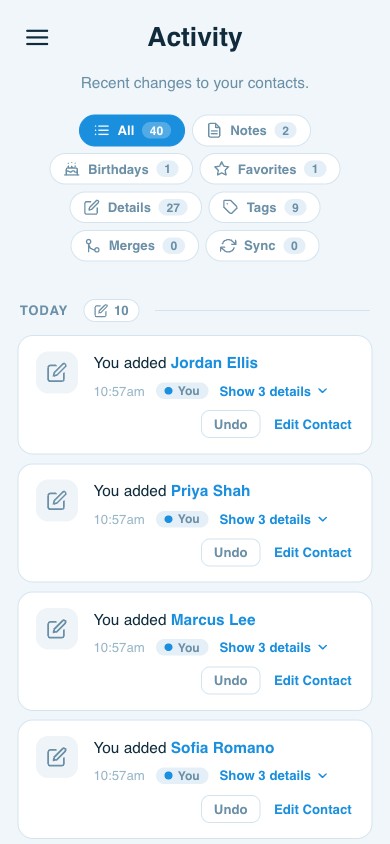
The detail that decides whether this sticks is where the reminders land. A follow-up reminder in ContactsPlus is a task attached to the contact it is about, with a type — Follow-up, Call, Email, Meeting — and a due date. The Today view puts anything overdue at the top, then everything due today in time order, so the first thirty seconds of your morning tell you who is waiting on you. Anything you cannot get to snoozes in one click instead of being dismissed and forgotten, and a timed task can push itself to your Google, Outlook or Apple calendar so it sits alongside the meetings competing for the same hour.
Step 5: Create a Workflow That Works for You
Your inbox is just the starting point. By pairing it with ContactsPlus, you can create a workflow that’s both efficient and personalized.
Here’s an example workflow you can adopt:
- Sync email inbox with ContactsPlus
Turn on automatic contact capture from Gmail or Outlook. - Review new contacts weekly.
Spend 15 minutes each Friday tagging, noting, and setting reminders for new contacts. - Filter contacts by tags or reminders
Use your tags to pull up contacts for a specific campaign, project, or touchpoint. - Act on reminders each morning
Start your day by checking who you need to follow up with—no more guesswork. - Update contacts post-follow-up
After each interaction, update notes and adjust reminders to stay current.
Bonus Tips for Maximum Follow-Up Efficiency
- Use email templates for quick, consistent follow-ups (especially helpful for sales and outreach).
- Integrate with your calendar to coordinate follow-ups with meetings or calls.
- Set rules or filters in your inbox to flag emails from key contacts automatically.
- Leverage mobile sync so your contacts and reminders are always accessible on the go.
Turn Inbox Clutter into Follow-Up Gold
Great relationships and opportunities are built through consistent, timely follow-ups. Yet, most busy professionals let the sheer volume of email keep them in reaction mode instead of relationship mode.
By turning your inbox into an action center—automatically capturing contacts, tagging them meaningfully, storing context-rich notes, and setting reminders—you shift from passive communication to proactive connection.
The work is front-loaded and small: one cleanup so every person is a single record, then a quarter of an hour a week keeping tags, notes and dates current. After that the inbox stops being a list of things you meant to do.
Related articles

The 5-Minute Daily Contact Habit That Will Change Your Business Forever

Contact Hygiene: How to Audit and Clean a Contact Database in 30 Minutes

Meeting Overload? How to Manage 100+ VC Intros Without Losing Context
Put your contacts to work
Sync, enrich, and clean your entire address book with ContactsPlus — free to start.
Sign up free ← Back to all articles