







Contact sync
The contact sync app that works like a Mini-CRM
Keep one clean contact list in sync across Google, iCloud, and Outlook — automatically, in both directions. Then do more than store names: set follow-ups, enrich records, and treat your address book like the Mini-CRM it was meant to be.
Free to start — sync more accounts on Premium & Teams
Contacts not syncing right now? Start here.
The foundation
Two-way sync across Google, iCloud, and Outlook
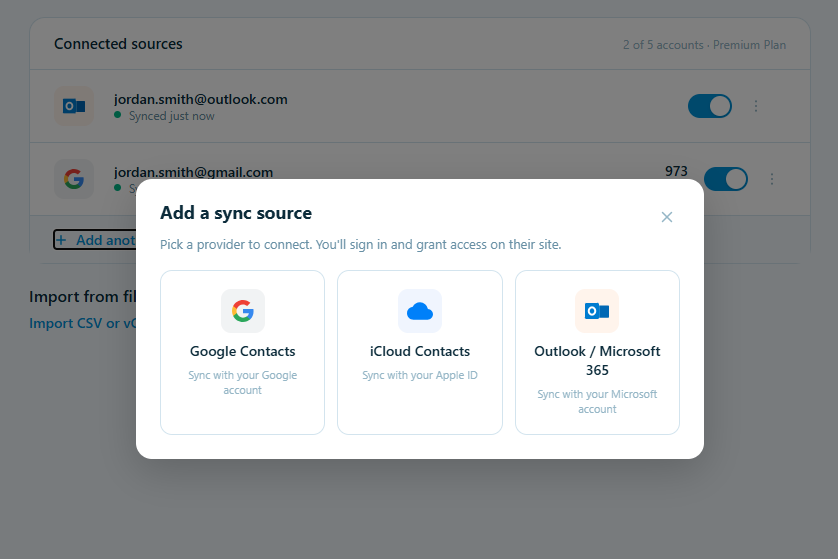
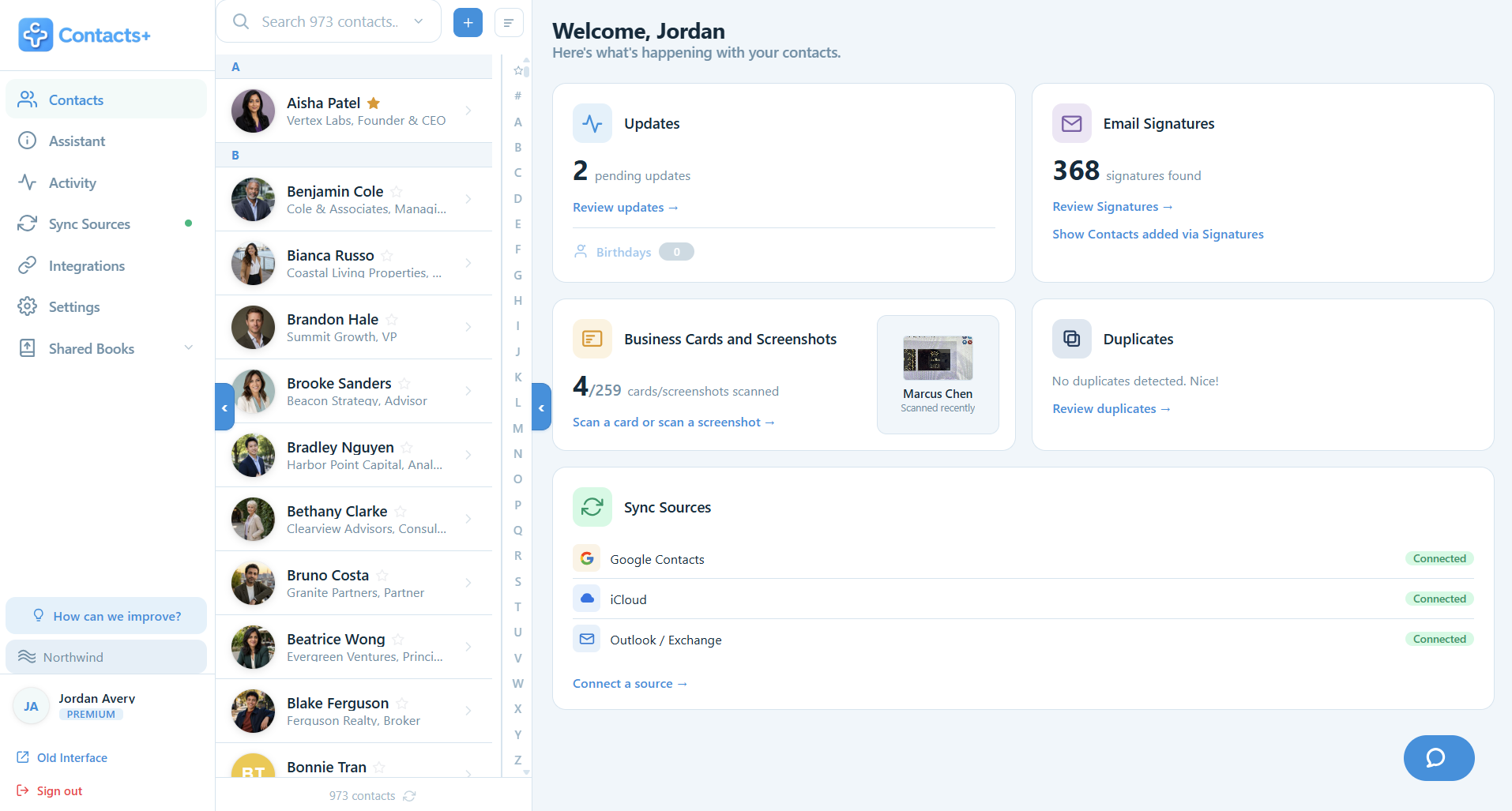
Connect Google Contacts, iCloud, and Microsoft/Outlook and ContactsPlus keeps them in real, two-way sync. Add a contact on your iPhone, fix a job title on your laptop — the change flows out to every connected account on its own. No exports, no CSV files, no one-way "import and forget."
- Native iCloud sync — no third-party bridge required
- Syncs contacts and contact photos; runs automatically — continuous on Premium
- Up to 5 accounts on Premium
The moat, plainly: Most CRMs can't sync iCloud natively — they depend on third-party sync bridges. ContactsPlus syncs it directly.
You're in control
Sync your way — pull in, push out, or two-way
Choose a direction per account, and change it anytime. Nothing is ever changed or deleted unless the direction you pick allows it.
 one clean list
Contacts flow into one clean list — and, on two-way sync, changes flow back out too.
Pull contacts in DEFAULT
One-way. Contacts flow from Google, iCloud, or Outlook into ContactsPlus. Your source account is never changed — the lightest, fastest option.
Two-way sync
Your account and ContactsPlus stay perfect copies of each other. Every change — including deletes — flows both ways.
Push contacts out
One-way. ContactsPlus pushes your clean master list out to an account, and is never changed by it.
Your data, your rules. Pull everything into one clean, de-duplicated list · two-way a single account · or build a master list and push it to the account you live in. Set it per account, change it anytime — pause any source whenever you want.
Which sounds like you?
Four ways people sync
There's no single right way. Pick one setting per account — and change it whenever your setup changes.
Contacts spread across work, personal, and phone accounts? Pull every account in — everything lands in ContactsPlus as one clean list with no duplicates. Your Google, Apple, and Microsoft accounts are never changed.
pull in
Everything already lives in one place, like a single Google account? Two-way sync just that account. Add or fix a contact in either place and it shows up in both — they always match.
two-way
Pull everything in, clean it up in ContactsPlus, then push the finished list out to the one account you use every day. That account always has the complete list; every other account stays untouched.
pull in
push out
You can two-way sync every account so they all match everywhere. It works, but it's the heaviest setup — slowest on big lists and the most likely to hit conflicts. If one of the setups above fits, pick that instead.
two-way · all
Heavier setups take longer to settle — the more accounts you sync two-way, the more there is to read, write, and de-duplicate on the first pass. That's normal; there's more on the first sync below.
The bridge
A Mini-CRM that syncs with Google, iCloud, and Outlook — instead of a CRM you have to feed
Traditional CRMs start empty, make you import, and drift out of date the moment a contact changes jobs. ContactsPlus starts from your real, synced address book and stays current on its own. That's the difference between a CRM that reflects your network and one you're forever maintaining.
Clean once, everywhere
One clean, deduplicated list — everywhere
Merge duplicates, fix formatting, and fill the gaps once — and the clean version syncs back to every account. Your phone, your email, your CRM: one source of truth.
Beyond storage
From synced contacts to follow-ups
Sync is the foundation, not the finish line. Because your contacts are already current, you can set follow-up reminders and keep-in-touch nudges on the people who matter — and never lose a thread. Want every record complete, not just synced? ContactsPlus enriches your contacts automatically. Together that is what separates contact management software from a synced address book — and a synced copy is not a backup, so it is worth knowing how to back up your contacts as well.
Personal outreach
Reach out from your own Gmail, Outlook, or phone
ContactsPlus isn't a bulk-email blaster. Every message is personal and goes from your own inbox or your own phone, even when you write to a whole list.
Email from your own inbox
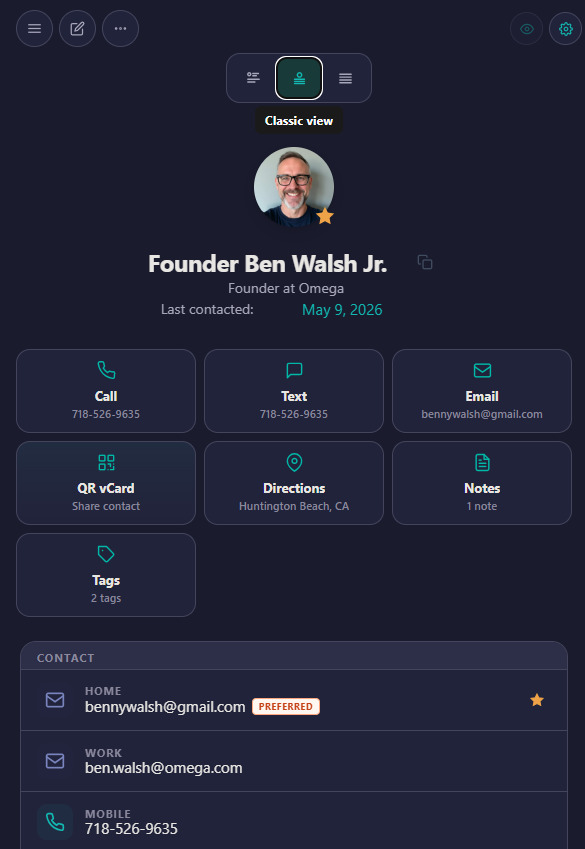
Tap Email on a contact and it opens a message in your own mail app — Gmail, Outlook, or Apple Mail. It goes out as you, from your address, not a marketing tool. An AI Composer can help you draft it.
Call or text in a tap
Tap Call or Text on any contact to reach them from your own number, using your device — no separate app, no shared line.
Write to many, still personally
Need to reach twenty clients? On Premium, a mail merge from Gmail or Outlook sends each a personal copy from your address, paced so it never lands as a blast, and notes every reply on the contact.
Personal, every time. ContactsPlus keeps outreach personal, from your own inbox and your own number. That's the Mini-CRM difference.
How it works
How ContactsPlus sync works
Connect your accounts
Securely sign in to Google, iCloud, and Microsoft/Outlook in a couple of clicks — up to five accounts on Premium. For each one, pick a direction: pull-in, two-way, or push-out. Prefer a file? Import a CSV or vCard instead.
We merge & deduplicate
ContactsPlus pulls everyone into one master list — automatically matching and merging duplicates across accounts, fixing inconsistent formatting, and filling in photos, job titles, and companies. One complete record per person, not five scattered fragments.
Everything stays in sync
After the first sync, changes flow on their own: edit on your phone and it updates everywhere; when someone's number changes in one account, the rest catch up. Continuous on Premium — and nothing is ever changed or deleted unless the direction you chose allows.
About that first sync: a one-way pull only reads, so it's quick. A full two-way sync reads and writes across every account and cleans up duplicates — on big lists that takes longer, and Google or Apple may briefly throttle or flash a momentary error that usually clears within about 30 seconds. Let the first sync finish and everything settles.
FAQ
Frequently asked questions
Can ContactsPlus sync iCloud and Google Contacts together?
Yes — and it's the thing most tools can't do. ContactsPlus connects Google Contacts, iCloud, and Microsoft/Outlook natively and merges them into one address book, in both directions. Most CRMs and contact apps can't touch iCloud directly — they route through third-party sync bridges. ContactsPlus talks to Apple, Google, and Microsoft directly, so a contact you add on your iPhone and one you add in Gmail land in the same clean, de-duplicated list — no bridge, no CSV export, no copy-paste.
Can I choose the sync direction?
Yes, and you set it per account, so different accounts can behave differently. There are three choices. Two-way sync keeps that account and ContactsPlus as perfect copies of each other — every add, edit, and delete flows both ways. Pull contacts in (the default) is one-way: contacts flow from the account into ContactsPlus, and that source account is never changed — it's the lightest and fastest option because it only reads. Push contacts out is the reverse one-way: ContactsPlus pushes your clean list out to an account without being changed by it. You can switch any account's direction whenever you like, and nothing is ever changed or deleted unless the direction you picked allows it.
How many accounts can I sync?
On the Free plan you can connect one account. Premium raises that to five accounts synced together — for example your work Google, personal Gmail, iCloud, and an Outlook account, all merged into one de-duplicated list. Premium also upgrades how often sync runs: instead of a periodic refresh, changes sync continuously so your contacts stay current in near real time. You can also import contacts from a CSV or vCard file on any plan. See pricing for the full comparison.
Can I use ContactsPlus as a Mini-CRM?
Yes — that's exactly how ContactsPlus is meant to be used. On top of a contact list that's always in sync, you get the light-CRM essentials: follow-up reminders and tasks tied to specific people, notes and tags, and automatic enrichment that keeps records complete. And because email opens in your own inbox — Gmail, Outlook, or Apple Mail — and you can call or text right from a contact, it's built for one-to-one relationships, not one-to-many mass marketing. It's a Mini-CRM: the follow-up and relationship tools you actually need, without the bloat, cost, or setup of a full sales CRM.
Is my data secure?
Yes. Data in transit is secured with TLS, and data at rest is encrypted with 256-bit AES. Accounts require strong passwords, and we encourage enabling multi-factor authentication (MFA) where available. Access is role-based and limited to authorized personnel, and third-party providers are bound by data processing agreements — measures in line with GDPR Article 32 and CCPA. You also stay in control of every sync connection: pause or disconnect any source anytime, and a one-way "pull in" never changes that account. See our Security page for full details.
By platform
Syncing one account in particular?
The setup differs depending on where your contacts live. These walk through each one, including what to do when syncing stops.
Sync Google Contacts
Turning Google contacts syncing on, why it silently stops, and how to unify Google with iCloud and Outlook in one list.
Sync contacts from iPhone to Mac
The iCloud route between iPhone and Mac, and what to check when contacts will not appear on the desktop.
Sync contacts from iPhone to iPad
Getting both devices on the same account, choosing where new contacts save, and handling the merge prompt at setup.
Sync Outlook contacts
Where Outlook and Microsoft 365 actually store contacts, and how to keep them current alongside Google and iCloud.