Email, Calendar, CRM: How to Decide What’s Best for Contact Organization
For many professionals, managing contacts can feel like juggling; emails, meetings, client notes, and follow-ups all demand attention, and it’s easy for information to slip through the cracks. Whether you’re a freelancer nurturing clients, an executive managing multiple partnerships, or a team leader coordinating outreach, having a clear system for organizing contacts is essential.
But here’s the challenge: with so many contact organization tools available, from your inbox and calendar to full-fledged CRMs, how do you decide which one works best for you? And how can you keep things simple without losing track of important details?
In this guide, we’ll break down how email, calendar, and CRM tools each fit into your contact management strategy, how to combine them effectively, and how Contacts+ can tie everything together for a seamless, organized workflow.
The Importance of an Organized Contact System
Before diving into tools, it’s worth understanding why contact organization matters so much. A disorganized network means missed opportunities, forgotten follow-ups, and lost productivity. When contact information is scattered across devices and platforms, you spend more time searching for details and less time actually connecting with people.
An organized system, on the other hand, gives you:
- A clear view of your relationships. Know who’s who, how you met, and what you discussed.
- Consistent communication. Follow up on time and never lose touch.
- Smarter decisions. Centralized data helps you prioritize important connections and identify potential opportunities.
The key is to find the right balance between structure and simplicity. You want enough organization to stay efficient without overwhelming yourself with unnecessary complexity.
The Case for Email: The Everyday Organizer
If your professional life runs through your inbox, your email platform may already serve as your default contact manager.
Email tools like Gmail and Outlook automatically store contact details for everyone you correspond with, creating a basic network without much effort. For many professionals, this simplicity is exactly what they need.
Best for:
- Individuals with straightforward communication needs.
- Freelancers or solopreneurs managing a small number of clients or partners.
- Professionals who primarily communicate through email rather than phone or in-person meetings.
Pros:
- Contacts update automatically as you communicate.
- Easy to search and filter by sender or topic.
- Integrates naturally with scheduling tools and mobile devices.
Cons:
- Limited organization features like contacts often lack context, like meeting notes or social details.
- Harder to manage multiple communication channels (phone, chat, etc.).
- No built-in reminders or relationship tracking.
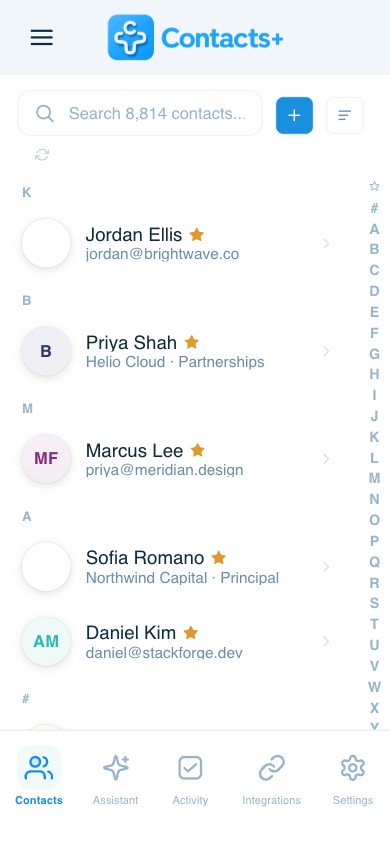
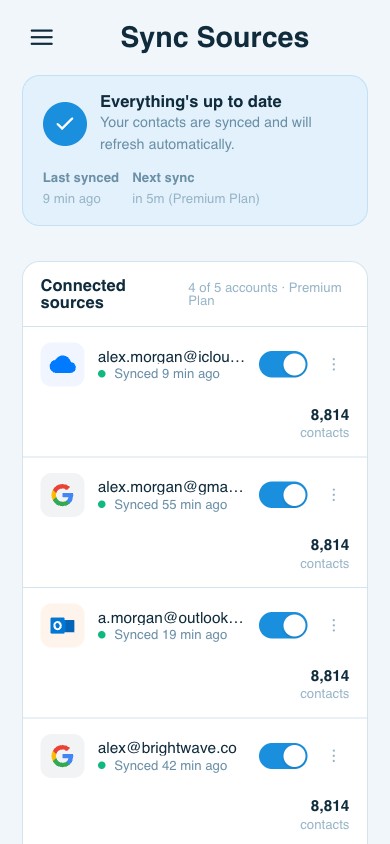
Pro tip: Connect your email to a contact management platform like Contacts+. This allows you to automatically sync, enrich, and organize your email contacts across devices, transforming your inbox into a more powerful, context-rich network.
The Case for Calendars: Time-Based Contact Management
If your relationships are built around meetings, events, and calls, your calendar might be your best tool for organizing contacts. Calendars like Google Calendar or Outlook Calendar give you a timeline view of your professional interactions, which helps you track who you’ve met, when, and what’s next.
Best for:
- Professionals whose work revolves around scheduling (e.g., consultants, recruiters, or project managers).
- Teams coordinating multiple meetings across clients or departments.
- Anyone who prefers visual timelines to lists of contacts.
Pros:
- Automatically logs meetings with contacts, providing a chronological record of interactions.
- Helps identify active vs. inactive relationships.
- Integrates with video conferencing tools and reminders.
Cons:
- Doesn’t store rich contact data like names and email addresses, but little context.
- Limited tagging or grouping options.
- Can become cluttered if overused for contact management.
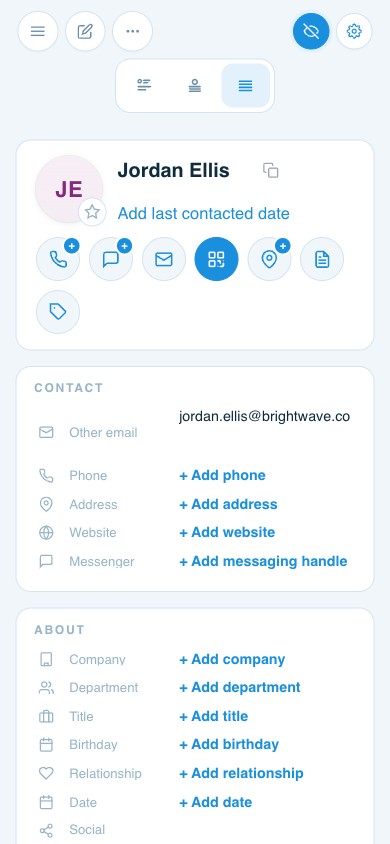
Pro tip: When integrated with a platform like Contacts+, your calendar entries can be automatically associated with contact profiles. You can view a person’s job title, company, and previous conversations before each meeting, making follow-ups easier and more informed.
The Case for CRMs: Structured Relationship Tracking
A Customer Relationship Management (CRM) system like HubSpot, Salesforce, or Zoho CRM takes contact organization to the next level. CRMs are designed for structured relationship management, making them ideal for teams or professionals who manage pipelines, client relationships, or long-term partnerships.
Best for:
- Sales teams, marketing departments, or customer service roles.
- Professionals managing a high volume of contacts and data.
- Organizations that rely on analytics and automation for engagement tracking.
Pros:
- Centralized, detailed records for every contact and interaction.
- Task tracking, deal stages, and communication timelines.
- Data analytics for relationship health and outreach performance.
Cons:
- Can be overly complex for individual professionals or small teams.
- Requires consistent data entry and maintenance.
- Often more expensive than other options.
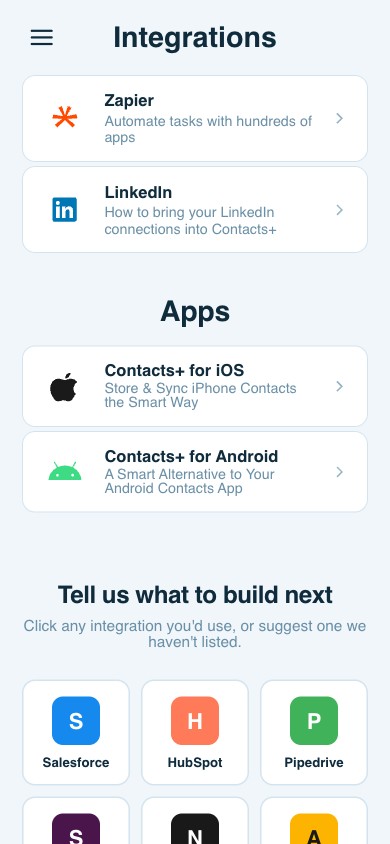
Pro tip: Use Contacts+ integrations to sync your contacts with your CRM. This ensures every contact is updated with the latest details, like email, phone number, company, and social profiles, without manual effort. You’ll get the structure of a CRM without losing flexibility.
Combining Tools for a Seamless System
The truth is, you don’t need to choose just one tool. The most efficient systems often combine all three: email, calendar, and CRM, connected by a digital contact management platform like Contacts+.
Here’s what that could look like in practice:
- Email captures new contacts and ongoing communication.
- Calendar logs meetings, follow-ups, and important events.
- CRM tracks relationships at scale with added notes and activity history.
- Contacts+ sits at the center, syncing all contact data across platforms and enriching it with up-to-date details.
This interconnected approach ensures that no matter where you’re working, in your inbox, your calendar, or your CRM, you always have accurate, complete contact information at your fingertips.
Keeping It Simple: Strategies for Sustainable Organization
Even with the best tools, contact organization can become overwhelming if you overcomplicate it. Keep your system efficient and sustainable with these best practices:
- Centralize your contacts. Use a unified platform like Contacts+ to sync and manage contacts from all your sources.
- Add context, not clutter. Include useful notes, like how you met and your last interaction, but avoid unnecessary details.
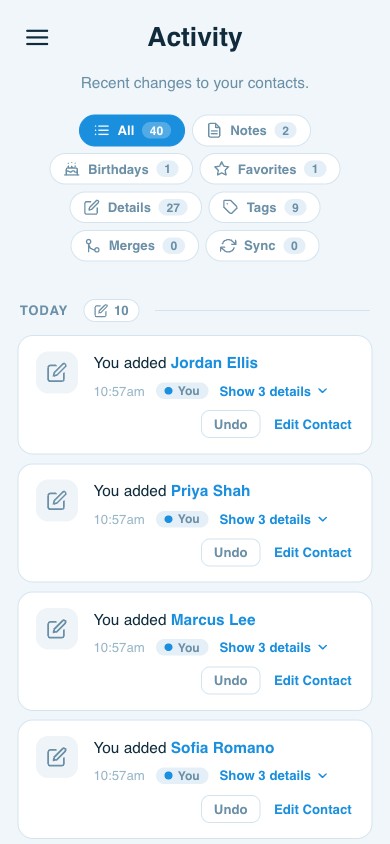
- Set follow-up reminders. Automate reminders for periodic check-ins to keep relationships from going cold.
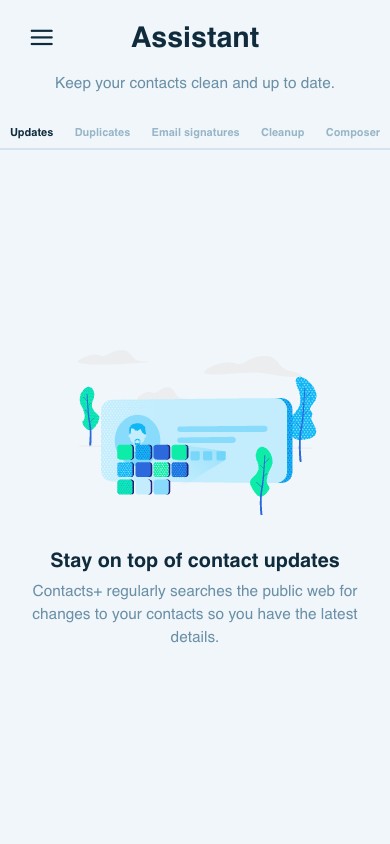
- Regularly review and clean your database. Remove duplicates, outdated contacts, or irrelevant entries.
- Automate wherever possible. Let integrations do the heavy lifting so you can focus on building genuine connections.
The Bottom Line: Choose What Works for You
There’s no one-size-fits-all answer to contact organization. The best system is the one that aligns with your workflow and helps you maintain strong, consistent relationships.
If you live in your inbox, start with email. If you’re driven by meetings, use your calendar. If you manage clients or deals, a CRM may be essential. But whatever you choose, connect everything through Contacts+, the glue that keeps your contact information synced, enriched, and accessible everywhere.
With the right combination of contact organization tools and simple, consistent habits, you can turn your contact chaos into a clear, productive system that grows with you.
Related articles

Integrating Contacts+ with Your Favorite Tools: A Productivity Booster

How to Use Make Alongside Your Contact Management App

6 Integrations Crucial for your Contact Management App
Put your contacts to work
Sync, enrich, and clean your entire address book with ContactsPlus — free to start.
Sign up free ← Back to all articles