
Contacts+ vs. the Rest: Which Contact Management Tool Is Right for You?

Your contact list is one of your most valuable marketing assets. But how do you manage it? That can either make your job easier… or quietly make everything harder.
Some teams rely on spreadsheets. Others use lightweight CRM tools. Some stick with built-in address books. And more marketers are exploring tools like Contacts+ to bring order to the chaos.
So which option actually makes sense for you? Let’s break it down, clearly, honestly, and without the hype.
Contact Management Tools Comparison
| Feature / Criteria | Spreadsheets (Excel, Sheets) | CRM-Lite Tools | Built-In Address Books | Contacts+ |
| Best For | Very small lists | Sales-focused teams | Basic storage | Marketing teams focused on email |
| Ease of Setup | Easy | Moderate | Easy | Easy |
| Duplicate Management | Manual | Partial | Limited | Structured organization |
| Segmentation | Manual filtering | Available but complex | Minimal | Simple tagging & grouping |
| Designed for Email Marketing | No | Not primarily | No | Yes |
| Reporting Integration | None | Sales-focused | Minimal | Marketing-aligned |
| Scalability | Limited | High (but complex) | Low | Built for growth |
| Learning Curve | Low initially | Medium to high | Low | Low |
| Risk of Data Chaos | High over time | Moderate | Moderate | Low |
| Best Fit | Early-stage startups | Sales-driven orgs | Personal use | Growing marketing teams |
First: What Do You Actually Need From a Contact Management Tool?
Before comparing tools, it helps to get clear on what “good” looks like. For most busy marketing teams, contact management should:
- Keep contact data organized and accurate
- Reduce duplicates and outdated records
- Make segmentation easier
- Assist with deliverability and engagement
- Save time, not create more work
If your system makes segmentation harder, reporting confusing, or campaign setup slower, it’s probably time to rethink it. Now let’s look at the main options.
Option 1: Spreadsheets (Google Sheets or Excel)
Best for: Very small lists, early-stage businesses, or one-off contact storage.
Pros
- Free and accessible
- Familiar interface
- Flexible formatting
- Easy to share internally
Cons
- Manual updates
- No automation of tagging or segmentation
- Easy to create duplicates
- Version control issues
- No built-in email insights
Spreadsheets feel safe. They’re flexible, and most teams already know how to use them. But as soon as your list grows beyond a few thousand contacts, cracks start to show.
Manually filtering rows to create segments takes time. Cleaning duplicates is tedious. Tracking engagement across tabs becomes messy fast.
Reality check: If your team is spending hours exporting, sorting, and re-uploading lists, your spreadsheet isn’t saving time anymore.
Option 2: Built-In Address Books
Best for: Personal networking or extremely simple contact storage.
Many email platforms or productivity tools include a basic contact manager.
Pros
- Integrated with your existing workflow
- No additional cost
- Simple to use
Cons
- Limited segmentation capabilities
- Minimal data enrichment
- Weak reporting integration
- Not designed for marketing teams
Built-in address books are convenient. But they’re rarely designed to scale an email strategy. If you need tagging, advanced segmentation, list hygiene tools, or collaboration across multiple users, you’ll likely hit limitations quickly.
Reality check: Great for storing names. Not great for helping build targeted campaigns.
Option 3: CRM-Lite Tools
Best for: Teams managing both sales and marketing relationships in one system.
CRM-lite platforms often position themselves as lightweight relationship managers.
Pros
- Relationship tracking
- Activity timelines
- Notes and reminders
- Good for sales-oriented teams
Cons
- Can become cluttered
- Often optimized for sales pipelines, not email marketing
- Feature creep over time
- Learning curve increases as functionality expands
CRM-lite tools are powerful for sales-heavy workflows. But for marketing teams focused primarily on email engagement, they can introduce unnecessary complexity.
When every contact requires deal stages, activity tracking, and pipeline management, your marketing list can feel like it’s living in the wrong environment.
Reality check: If you don’t need pipeline tracking, you might be carrying more weight than necessary.
Option 4: Contacts+
Best for: Marketing teams and professionals who want cleaner lists, assistance with smarter segmentation, and less manual work.
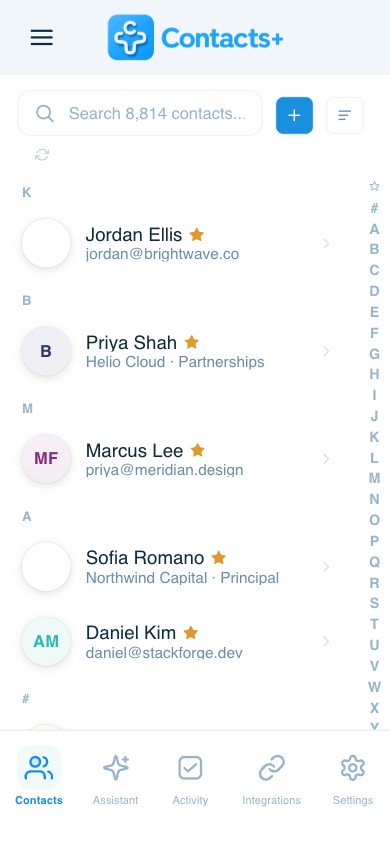
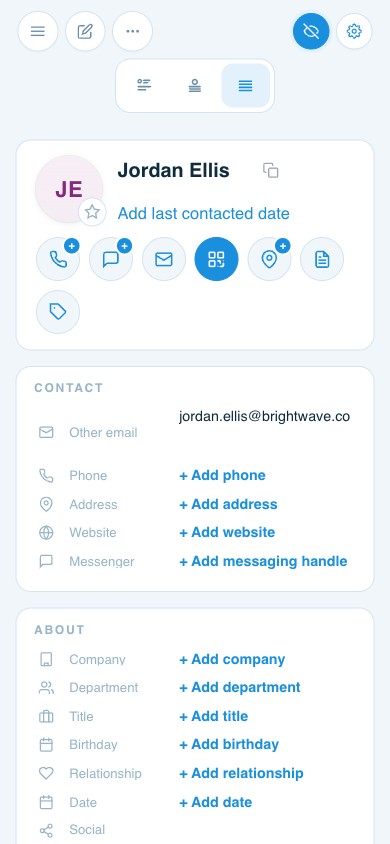
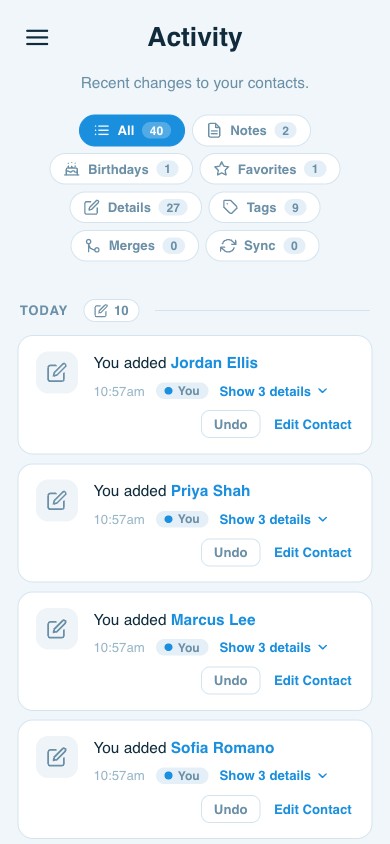
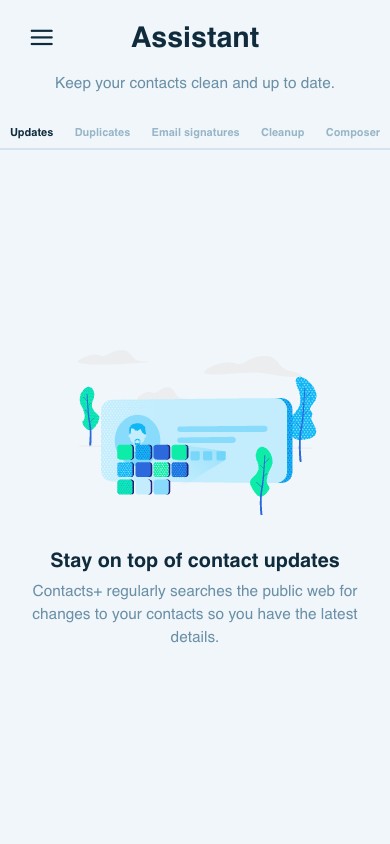
Contacts+ is designed specifically to bring clarity and structure to your contact data without overwhelming your workflow.
What Makes Contacts+ Different?
Instead of trying to be everything, Contacts+ focuses on making contact management simpler, cleaner, and more actionable. Here’s how it stands apart:
1. Clean, Organized Data Without Spreadsheet Chaos
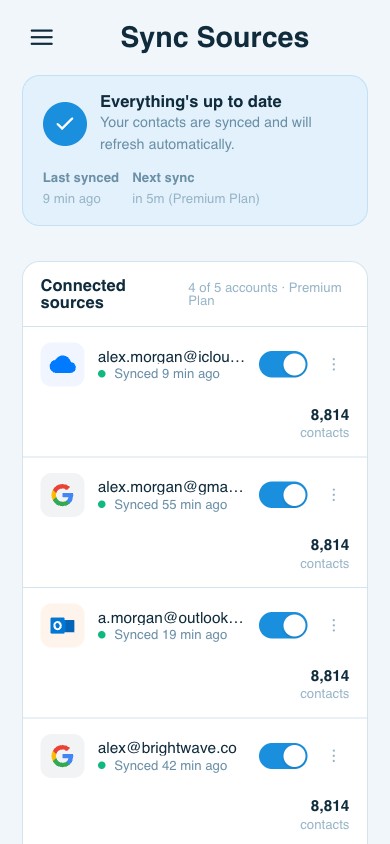
Contacts+ helps reduce duplicates, standardize information, and keep records consistent, so your list stays usable, and you’re not constantly exporting and cleaning in separate tools.
2. Segmentation That Makes Sense
Rather than manually creating new lists every time you want to target a group, you can organize contacts with tags and clear groupings that support smarter email campaigns. That means:
- Faster campaign setup
- More relevant messaging
- Less manual filtering
3. Built for Marketing, Not Just Storage
Contacts+ isn’t just about holding data. It’s about making that data easier to use in real campaigns. Better organization leads to:
- Clearer reporting
- Improved deliverability
- More confident sending decisions
4. Simplicity Over Feature Bloat
One of the biggest frustrations with contact tools is feature overload. Contacts+ focuses on what matters:
- Clean records
- Practical organization
- Collaboration-friendly structure
No unnecessary complexity. No steep learning curve.
Real-World Use Cases
Let’s make this practical.
Scenario 1: The Growing Marketing Team (10K–50K Contacts)
You’re sending weekly campaigns. Your list is growing. Segmentation matters. Reporting matters. Spreadsheets? Too manual. Basic address book? Too limited. CRM-lite? Possibly overkill.
Best fit: Contacts+. It gives you structure without adding layers of sales-focused complexity.
Scenario 2: The Early-Stage Business (Under 2K Contacts)
You’re just starting. Budget is tight. Campaign volume is low. Spreadsheets may work for now. But as soon as engagement tracking and segmentation matter, you’ll likely outgrow them.
Recommendation: Start simple, but plan for scale. If growth is on the horizon, transitioning sooner can prevent migration headaches down the line.
Scenario 3: Sales-Heavy Organization
If your primary need is pipeline tracking, deal stages, and activity logging tied to revenue forecasts, a CRM-lite tool may be the better primary system.
But if marketing segmentation and engagement are driving growth, layering in a purpose-built contact management tool can bring clarity.
Recommendation: Choose based on your primary workflow, sales-first or marketing-first.
How to Choose the Right Tool for Your Business
Ask yourself three questions:
1. How many contacts are you actively marketing to?
The larger your list, the more organization matters.
2. How often do you segment?
If segmentation is part of every campaign, your tool should support it easily.
3. How much time are you spending cleaning data?
If the answer is “too much,” your system may be the problem.
The Bottom Line
There’s no universal “best” contact management tool. There’s only the best fit for your goals.
- If you’re managing a small list and rarely segmenting, spreadsheets may work.
- If your workflow revolves around sales pipelines, a CRM-lite tool may make sense.
- But if your priority is sending smarter, more targeted email campaigns without spreadsheet chaos or unnecessary complexity, Contacts+ is built for that job.
Because at the end of the day, contact management shouldn’t feel like a second project. It should make email marketing easier, not harder.
Related articles
FullContact for Teams – Now in Public Beta

8 Tools for Enriching Contact Data

How The Great Resignation is Disrupting Networking
Put your contacts to work
Sync, enrich, and clean your entire address book with ContactsPlus — free to start.
Sign up free ← Back to all articles