







Outlook & Microsoft 365
Outlook contacts duplicating?
New Outlook and Outlook on the web hide duplicate contacts instead of merging them, and don’t tell you. Classic desktop Outlook does nothing by itself and only asks when an import would create a copy. Either way the duplicate stays in the account. That’s why it shows up on your iPhone.
Free to start — duplicate detection & merge is on Premium
On the phone
Outlook contacts duplicating on iPhone
An iPhone can get Outlook contacts by more than one route. If two of them are on, you may see each person twice. The menus below are for iOS 18 and later.
See which accounts the iPhone is reading
Go to Settings → Apps → Contacts → Contacts Accounts. Apple's guide says the Contacts app can hold several accounts at once, including iCloud, Microsoft Exchange and Google. If your Outlook account is in the list with Contacts switched on, the iPhone is already reading it directly. An account added through Mail has the same switch under Settings → Apps → Mail → Mail Accounts.
Check Save Contacts in the Outlook app
In the Outlook app, open the settings gear in the left menu and pick your account. Then look at Save Contacts. When it's on, Microsoft says contacts you add or edit in Outlook for iOS are saved to the Contacts app on your device, under your iCloud account. With the account also switched on in step 1, the same person can arrive twice, once read from Outlook and once as the saved copy. Microsoft doesn't describe that overlap. It follows from how each setting works.
Keep one route and turn the other off
To keep the account in iPhone Settings, switch Save Contacts off in the Outlook app. Microsoft says the contacts it saved are removed from your address book when you do. To keep Save Contacts instead, tap the Outlook account under Contacts Accounts and turn Contacts off. Apple says the contacts stay in the account itself and simply stop showing on the iPhone.
Choose the default account
Under Settings → Apps → Contacts, Default Account decides where new contacts are added. It only appears when more than one account is on the iPhone. Microsoft's own Save Contacts instructions start by setting it to iCloud.
Turn Save Contacts on for one device only
If an iPad and an iPhone both have Save Contacts on, Microsoft says to turn it off on one of them so conflicts can be managed. Duplicates from that setup can take up to 24 hours to be reconciled.
If the same people sit in Outlook and iCloud as separate records, none of the switches above merges them. ContactsPlus merges across the two on Premium.
Sources: Microsoft’s How do I save my Outlook contacts to my iOS contacts app? (Save Contacts, the iCloud default account, one device at a time, the 24-hour reconcile) and How do I sync my Outlook contacts to my address book? (saved contacts removed when the switch is off); Can’t sync calendar and contacts with my phone or tablet (the Mail Accounts switch); and Apple’s Add or remove accounts in Contacts on iPhone.
The built-in route
How to handle duplicate contacts in Outlook
Start here — but know that Outlook's built-in behaviour mostly hides duplicates rather than removing them.
Know which Outlook you're in
New Outlook and Outlook on the web behave one way; the classic desktop app behaves another. The fix depends on which one you're looking at.
New Outlook & the web
Exact duplicates are hidden automatically, and so is the less complete record when one is a subset of the other. They're suppressed from view rather than merged into one record.
Classic desktop Outlook
No automatic duplicate detection. An import prompts you to add a new contact or update the existing one — and updating overwrites rather than merging field by field.
Check your other accounts
None of the above touches a copy of the same person living in Google or iCloud — and that copy will keep reappearing.
“Hidden” is not the same as “merged.” A suppressed duplicate is still a separate record in the mailbox, so it can still sync out to a phone or another app that doesn't apply the same hiding rules — which is why people often see duplicates on their phone that Outlook itself appears not to have.
Hidden isn't fixed
Outlook makes the duplicate invisible, not absent
This is the one worth understanding properly, because it explains a complaint people have without knowing the cause: the duplicate looks gone in Outlook and is still there on the phone.
Hides automatically, without telling you
New Outlook and the web version suppress exact duplicates from view, and suppress the less complete record when one contact is a subset of another. Nothing is merged and nothing is deleted — both records are still in the mailbox. Classic desktop Outlook does none of this automatically; it only asks at import, and “update existing” overwrites rather than merging field by field.
Merges, inside Google
Merge & fix genuinely combines records — but only within one Google account.
Links, doesn't merge
Same-name cards display as one on the device; the underlying records stay separate.
Because new Outlook hides rather than merges, the underlying duplicate survives — anything else reading that account, your phone included, still sees both records. Apple does something similar, linking same-name cards for display while leaving the records separate.
One more way a duplicate comes back: Microsoft says a hidden duplicate you edit in classic Outlook, Outlook for Mac or the mobile app reappears in new Outlook, because it no longer counts as a duplicate. Source: Microsoft’s Manage duplicate contacts in Outlook.
The part Outlook can't do
Actually merge, across Outlook, Google and iCloud
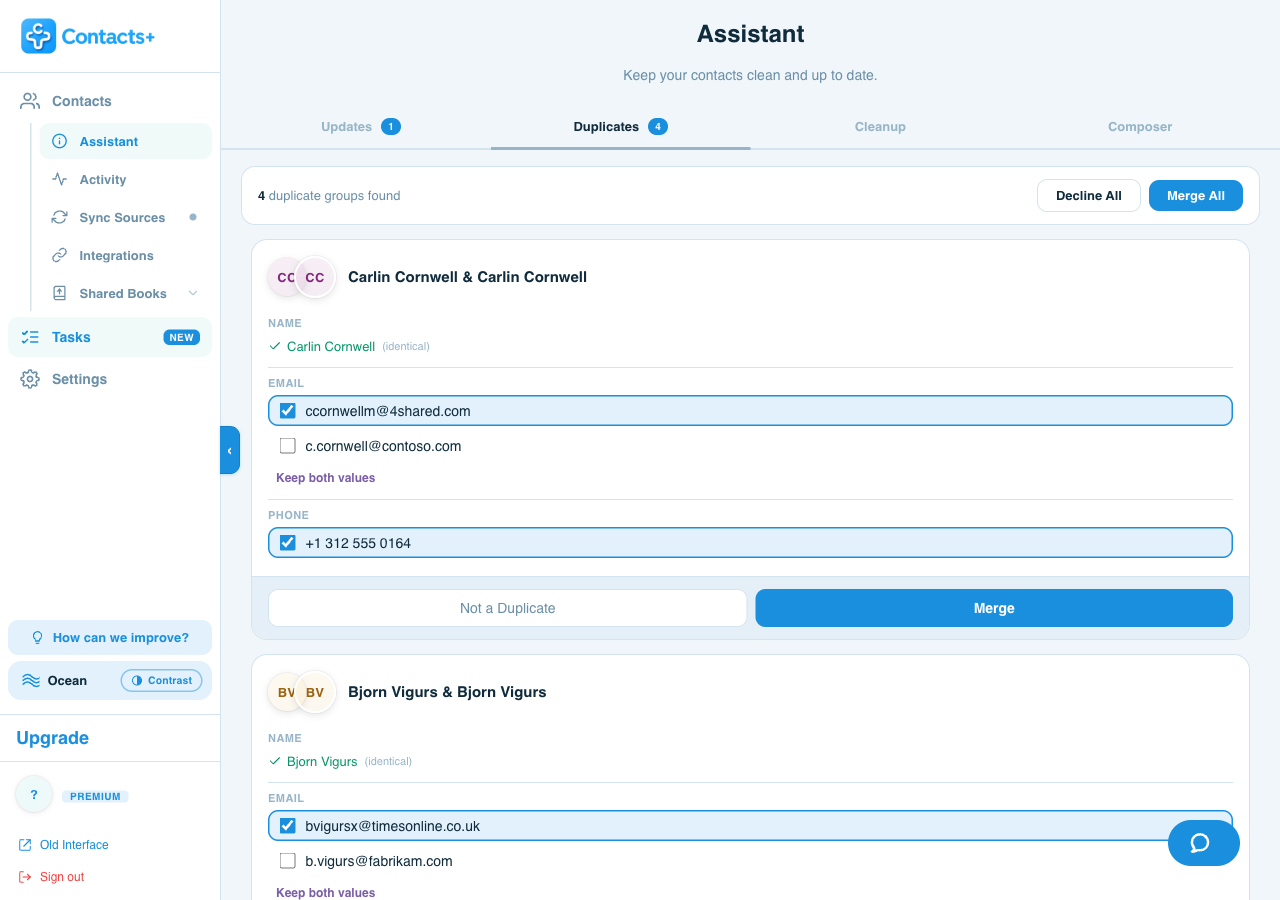
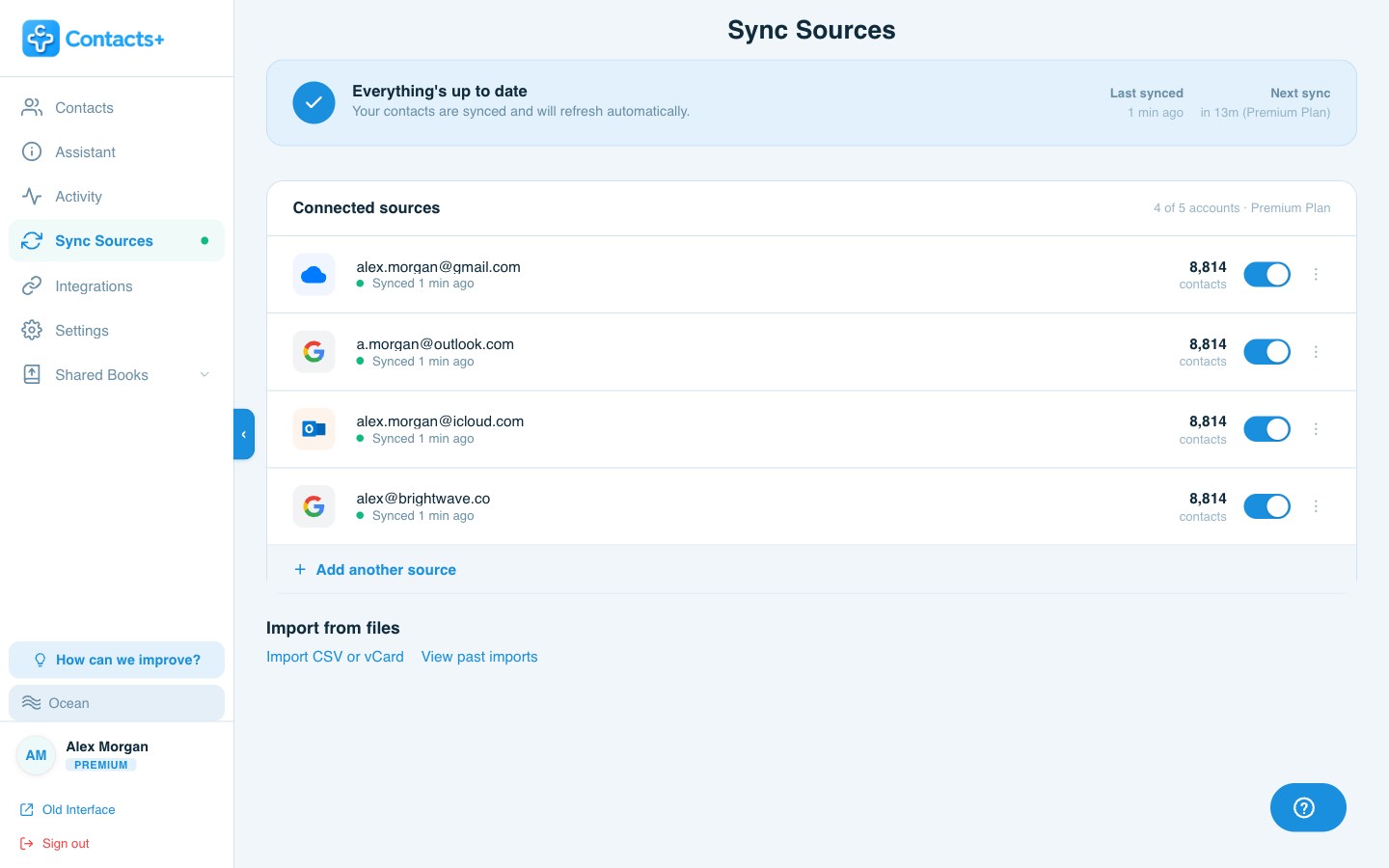
ContactsPlus connects to all three natively and finds duplicates across them at the same time — then genuinely merges them into one record rather than hiding one from view. You review each group field by field and decide what survives.
- Actually merges the two records into one, instead of hiding a copy from view
- Works across Microsoft, Google and iCloud together — not one mailbox at a time
- Shows the conflict per field, with Keep both values when both are worth keeping
- Merges can be unmerged from your activity history
The difference, plainly: hiding is a change to what Outlook shows you. Merging is a change to the data. Anything else reading that mailbox — your phone, another app — only ever sees the data.
FAQ
Frequently asked questions
Why are my Outlook contacts duplicating on my iPhone?
Likely because the iPhone is getting the same contacts by two routes. Microsoft doesn't document the overlap, but it follows from how the two settings work: the Outlook account can be added in iPhone Settings, and the Outlook app's Save Contacts switch can also copy them into iCloud. Keep one route and turn the other off, and turn Save Contacts on for one device only. Microsoft says leftover duplicates can take up to 24 hours to be reconciled.
Does Outlook remove duplicate contacts automatically?
New Outlook and Outlook on the web hide them rather than remove them. Exact duplicates are suppressed from view, as is the less complete record when one contact is a subset of another. The records still exist. Classic desktop Outlook does none of this automatically — it only prompts you when an import would create a duplicate.
Why do duplicates show on my phone but not in Outlook?
Because hiding happens in Outlook's interface, not in the data. Your phone syncs the underlying records and doesn't apply Outlook's hiding rules, so it shows both copies. That's the clearest sign the duplicate was never actually merged.
How do I merge duplicate contacts in Microsoft 365?
Not in the way you'd expect. Outlook can group duplicate cards together, and new Outlook hides them — but neither combines the records into one. People generally fix them by hand, use a third-party add-in for the classic desktop app, or use a tool that reads the account directly. ContactsPlus connects to Microsoft/Outlook natively and merges properly — combining the records rather than hiding one.
Can I clean Outlook, Google and iCloud in one pass?
Yes — that's the case for doing it outside any one vendor. ContactsPlus connects all three natively, finds duplicates across them together, and shows you every field where the records disagree so you choose what to keep. Many CRMs can't connect to iCloud directly and rely on a third-party bridge.
One person. One record. Actually merged.
Merge across every account you own, and keep them merged.