
Contact Grabber · Chrome extension
Save contacts
from any web page
Found someone on a team page, a business listing or in an email? Highlight their name, or scan the whole page, and Contact Grabber saves them straight into your ContactsPlus address book. You check every detail first, and if they’re already there it adds only what’s new.
Free accounts can save 15 new contacts in total with Contact Grabber. Premium removes the limit.
At a glance
Contact Grabber is the ContactsPlus extension for Chrome. It picks out the contact details visible on the page you’re on and saves the people you choose to ContactsPlus.
- Finds names, job titles, companies, emails, phone numbers, addresses and websites
- Works on ordinary web pages, team directories, business listings, Gmail and Outlook on the web
- Adds only what’s new when the person is already in your address book
- Does nothing on a page until you open it

Four ways to grab
However the details reach you, save them in seconds
Copying a name, an email and a phone number into three separate fields is the kind of job that waits until Friday and then never happens. Here’s the shortcut.
Highlight to save
With Contact Grabber open, highlight a name, email address or phone number and it appears in the side panel, ready to save. No copying, no pasting.
Scan this page
One click shows everyone Contact Grabber can find on the page, which is the quick way through a team page or a company directory. Choose who to save.
Right-click save
Right-click highlighted text and choose Save to ContactsPlus, then check the details and save.
Paste details
Some pages don’t let Chrome extensions read them. On those, paste the details into the panel instead and save them the same way.
Check, then save
Nothing goes in until you say so
Contact Grabber fills in a contact card from the page. You read it, fix anything that came through wrong, and save. While you’re there:
- Add a tag, such as Client or Prospect, so they’re easy to find later.
- Keep a source note. Every saved contact gets one that records where and when you found them, for example “Saved from example.com on 10/16/2026”.
- Set a follow-up reminder for three days later, if you want one. Reminders need Premium or a trial.

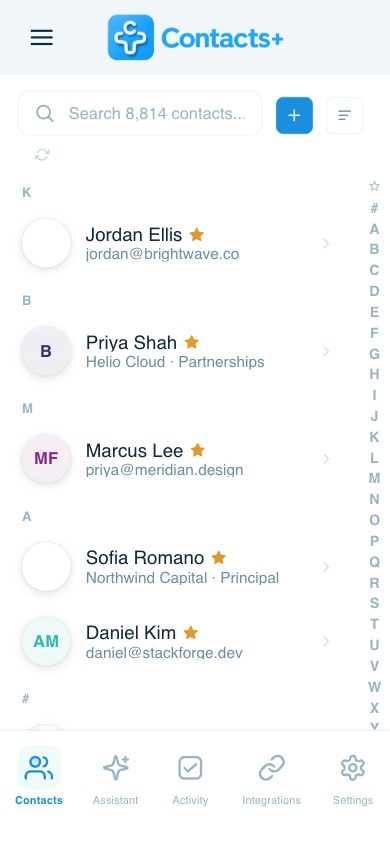
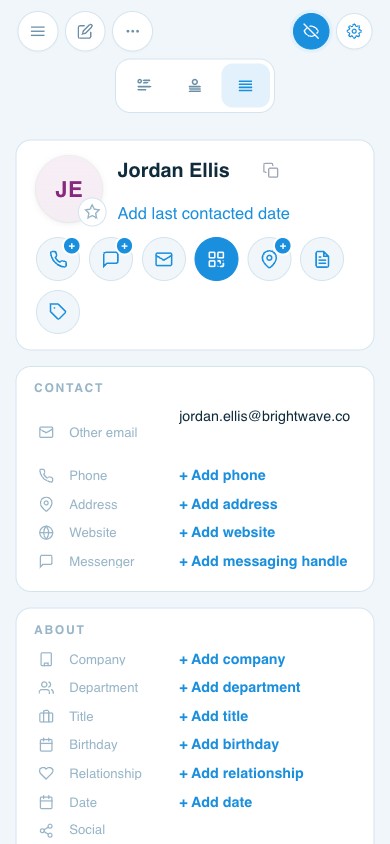
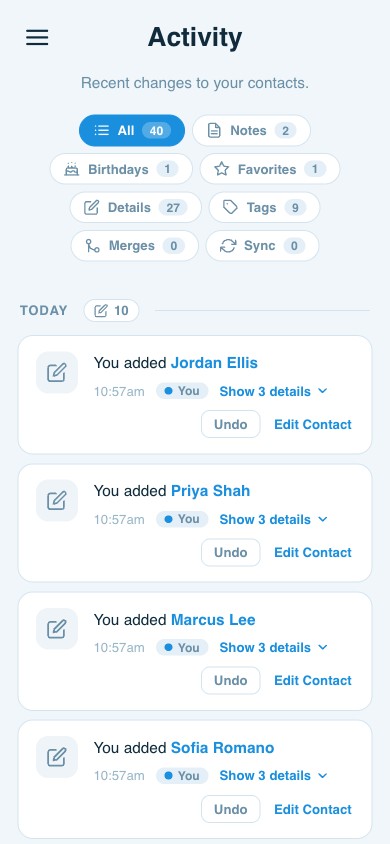
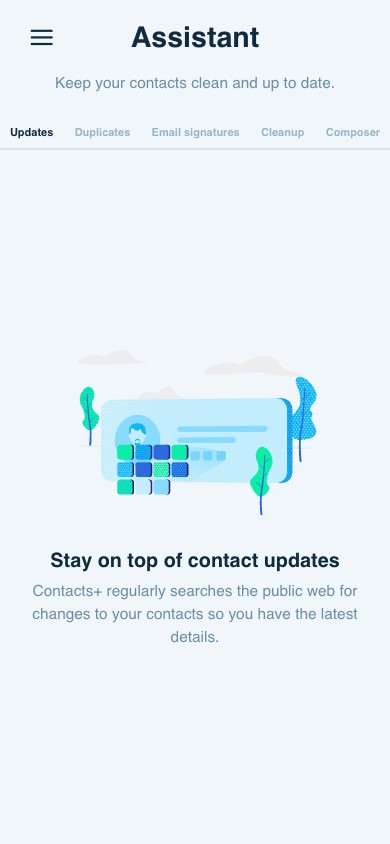
Images from the Contact Grabber listing in the Chrome Web Store. They show it on a sample website; the company and people are made up.
What it picks up
Seven details, from pages around the world
It understands names, addresses and phone numbers written in formats from around the world, not just the US.
- Names
- Job titles
- Companies
- Emails
- Phone numbers
- Addresses
- Websites
Where it works
From a team page to your inbox
Team and directory pages
“Meet the team” pages and company directories, where a scan picks up everyone at once.
Store and business listings
The supplier, the local agency, the venue you’re booking. Save the listing’s contact details in one go.
Gmail and Outlook on the web
Save the sender of an email, or the person in someone’s signature, while you read it. See how ContactsPlus works alongside Gmail and Outlook.
Any other web page
Conference speaker lists, press pages, an association’s member list. If the details are on the page, you can save them.
Keeps your address book tidy
Already have them? It adds only what’s new
Copy and paste a contact from the web the usual way and you get a fresh copy every time. Do that for a year and you have three versions of the same person, none of them complete.
Contact Grabber checks your ContactsPlus address book first. If the person is already there, it shows you exactly which details are new, such as a new job title or a second phone number, and adds only those after you tick them. Nothing else on the contact changes.
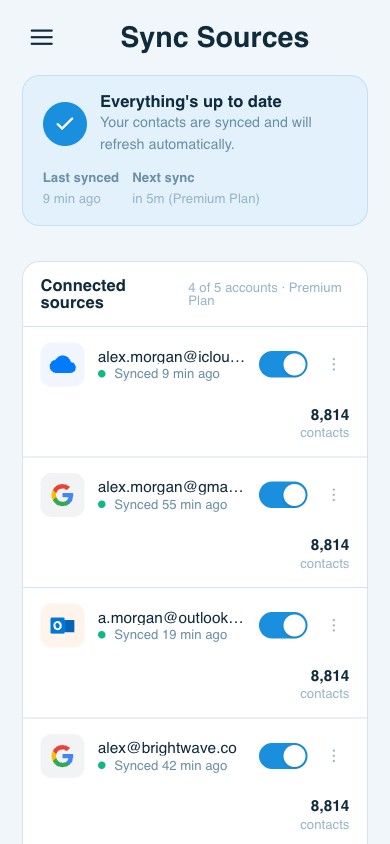
Everything you save lands in the same address book that ContactsPlus keeps in sync with Google, iCloud and Outlook, so the person you grabbed in Chrome reaches your phone at the next sync. For the duplicates you already have, Premium includes duplicate cleanup.
Privacy
It reads a page only when you ask
Nothing happens until you open it
Contact Grabber doesn’t touch the pages you browse. It reads the page you’re on only when you open it from the toolbar icon, the right-click menu or Alt+Shift+G.
It works from what’s on the page
It picks out contact details shown on the page you’re looking at. It isn’t a service for finding email addresses a page doesn’t show.
You approve every save
Every contact is shown to you before it’s saved, and you can edit or skip any of it. Nobody gets added just because they were on the page.
Smart scan is your choice
When the regular scan can’t make sense of a page, Contact Grabber offers a smart scan. It sends the text of the page you scan to ContactsPlus, where an AI model provider picks out the contacts, and ContactsPlus doesn’t store the text. Say no, and the regular scan keeps working. Details are in our Privacy Policy.
Getting started
How to set it up
- Add it to ChromeOpen Contact Grabber in the Chrome Web Store and click Add to Chrome. You need Chrome 116 or later.
- Sign in with ContactsPlusUse your ContactsPlus account, or create a free one when you sign in.
- Grab your first contactOpen a page with someone you want to keep, click the Contact Grabber icon, then highlight their name or click Scan this page for contacts. Check the details and save. They’re in your address book straight away.
Questions
Frequently asked questions
How do I save a contact from a website?
Install Contact Grabber for Chrome and sign in with your ContactsPlus account. On any page, click the Contact Grabber icon, then highlight a name, email address or phone number, or click Scan this page for contacts to see everyone it can find. Check the details in the side panel, edit anything you like, and click Save to ContactsPlus.
Can I save contacts from Gmail or Outlook?
Yes. Contact Grabber works in Gmail and in Outlook on the web, so you can save the sender of an email, or someone named in a signature, without copying anything by hand.
Is Contact Grabber an email finder or scraper?
No. It picks out contact details shown on the page you’re looking at, and it does nothing until you open it. It isn’t a service for finding email addresses a page doesn’t show. You choose who to save, and you check every detail first.
Will it create duplicate contacts?
No. If the person is already in your ContactsPlus address book, Contact Grabber shows exactly which details are new and adds only those. Nothing else on the contact changes.
What does Contact Grabber cost?
The extension is free to install. You need a ContactsPlus account, and you can create a free one when you sign in. Free accounts can save 15 new contacts with Contact Grabber in total; Premium removes the limit. Updating a contact you already have never counts toward the 15. Follow-up reminders need Premium or a trial.
Does it read every page I visit?
No. Contact Grabber does nothing on a page until you open it from the toolbar icon, the right-click menu or Alt+Shift+G. If you agree to the optional smart scan, the text of the page you scan is sent to ContactsPlus to find the contacts on it, and ContactsPlus doesn’t store the text.
Which browsers does it work in?
Contact Grabber is a Chrome extension and needs Chrome 116 or later.
Is there an extension like the old FullContact one?
Yes. The FullContact App became part of ContactsPlus in 2019, and Contact Grabber is the ContactsPlus extension for saving the people you find on the web. Everything you save lands in your ContactsPlus address book.