







iPhone & iCloud
Remove duplicate contacts on your iPhone
Apple handles duplicates inside your Apple account well enough. What it can't do is combine that record with the copy of the same person sitting in Gmail or Outlook — and that's the duplicate that keeps coming back. This page is about that one.
Free to start — duplicate detection & merge is on Premium
The built-in route
Clearing duplicates on your iPhone
Do this first — it's free and it takes about a minute. For the full step-by-step on the device itself, we have a longer walkthrough for iPhone.
Open Contacts
Open the Contacts app, or the Contacts tab inside the Phone app.
Tap Duplicates Found
If your iPhone has spotted duplicates, a card appears just below My Card at the top of the list. Tap View Duplicates.
Merge
Tap Merge All, or open them one at a time to review each pair first. Apple matches on the same first and last name, so anything spelled differently is left behind.
Check your other accounts
This covered your Apple account only. If the same person is also in Google or Outlook, that copy is still there — and it will come back.
Linking lives in the Contacts app on your iPhone — tap a contact, tap Edit, then Link Contacts. Apple also links same-name cards from different accounts automatically, so they display as one. Either way, linking isn’t merging: the separate records stay in their own accounts.
What linking actually does
Apple unifies the card, not the contacts
This is the subtlety worth getting right, because Apple handles it more gracefully than anyone — and that grace is exactly what hides the problem.
Unified cards — linked, not merged
Apple does something the others don't: it links same-name cards across accounts automatically, so one entry appears in All Contacts instead of three. Edit that unified card and the change is copied back to each source account that already held the field. But Apple's own guidance is explicit — linked contacts are not merged. Three records went in and three records remain; you're looking at a view of them.
Merges, inside Google
Merge & fix genuinely combines records — but only within one Google account.
Hides, doesn't merge
New Outlook suppresses duplicates from view automatically. They still exist.
Apple can make the duplicate look fixed by linking the cards, and that genuinely helps on your phone. But the records in Google and iCloud are still two records — which is why the duplicate is still there in every other app that reads those accounts.
The part Apple can't do
Merge across iCloud, Google and Outlook together
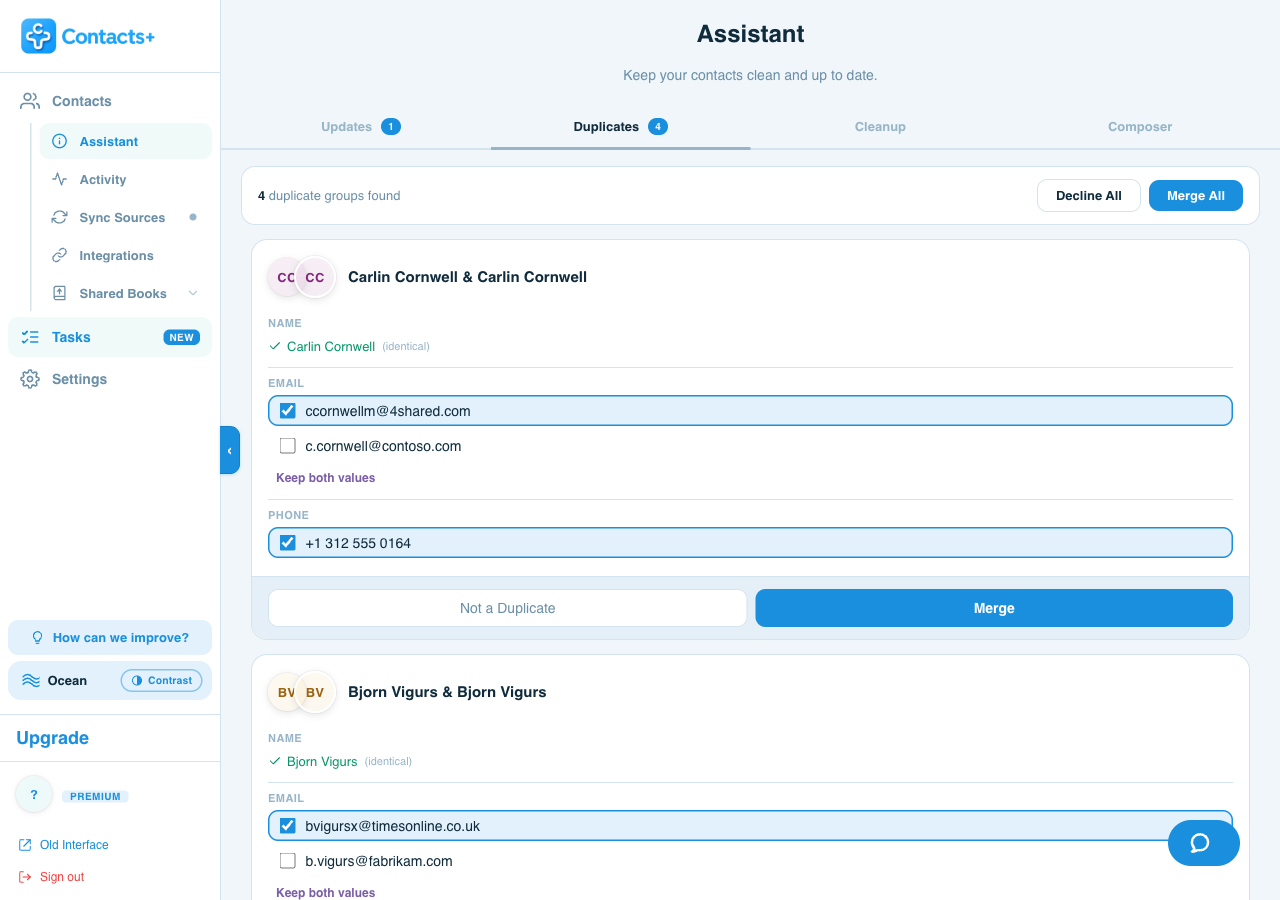
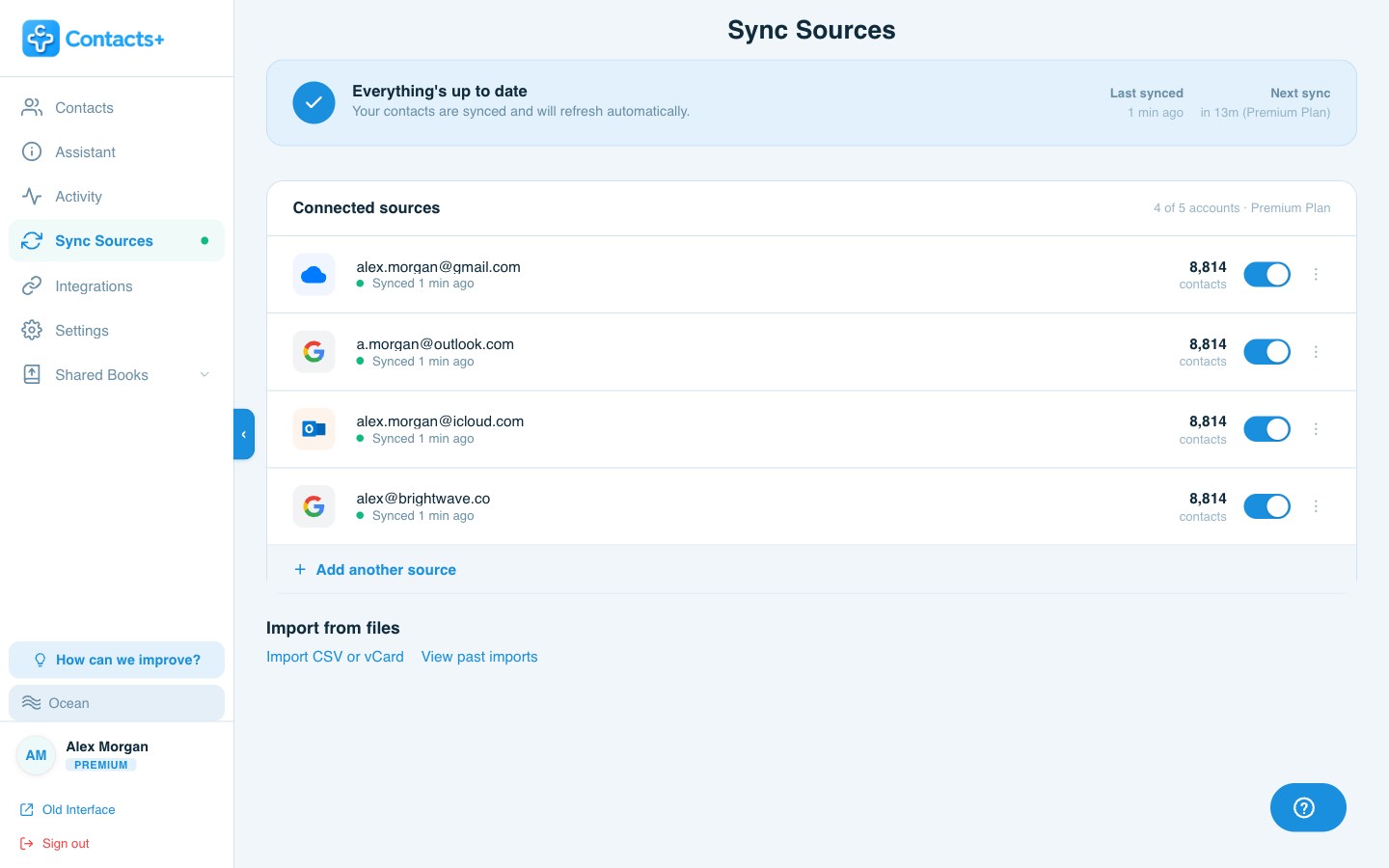
ContactsPlus connects to all three natively and looks for duplicates across them at the same time — including the ones that span two providers, which is where most of them actually live. You review each group field by field and decide what survives.
- Talks to iCloud directly — no CardDAV workaround, no third-party sync bridge
- Collapses three records into one real contact, not one unified view of three
- Shows the conflict per field, with Keep both values when a personal and a work address both matter
- Merges can be unmerged from your activity history
The difference, plainly: Apple gives you one card over three records. ContactsPlus gives you one record. That is the difference between an address book that looks tidy on your iPhone and one that is actually clean everywhere you use it.
FAQ
Frequently asked questions
Why does my iPhone still show duplicates after merging?
Because merging and linking aren't the same thing. Apple links same-name cards from different accounts so they display as one on that device — but the separate records stay in Google, iCloud and Outlook. Anything else reading those accounts still sees both, and the duplicate reappears until the copies in the other accounts are genuinely merged.
Can iCloud.com merge duplicate contacts?
Linking happens in the Contacts app on your iPhone rather than on iCloud.com — tap a contact, tap Edit, then Link Contacts. Apple also links same-name cards from different accounts automatically, so they display as one. But linking isn’t merging: Apple’s own guidance is explicit that linked contacts are not merged, so the separate records stay in their own accounts.
Will merging on my iPhone delete anything from Google?
No. Apple's duplicate merge works on contacts in your Apple account. A contact stored in a Google account isn't merged or deleted by it — which is exactly why the duplicate survives. It also means cleaning up on the iPhone is safe, just incomplete.
How do I remove duplicates across iCloud and Google at the same time?
You need something that can see both accounts at once. ContactsPlus connects iCloud, Google Contacts and Microsoft/Outlook natively, finds duplicates across all of them together, and shows you every field where the two records disagree so you choose what to keep. Many CRMs and contact apps can't connect to iCloud directly and route through a third-party bridge — so this combination is the one they struggle with.
Clean up all of it — not just the Apple half.
Merge across every account you own, and keep them merged.