
Integrating Contacts+ with Your Favorite Tools: A Productivity Booster

Managing professional relationships and staying on top of daily tasks can be challenging when your contacts, emails, calendar events, and project notes are scattered across multiple platforms. However, modern productivity relies on more than just tools; it depends on how seamlessly those tools work together.
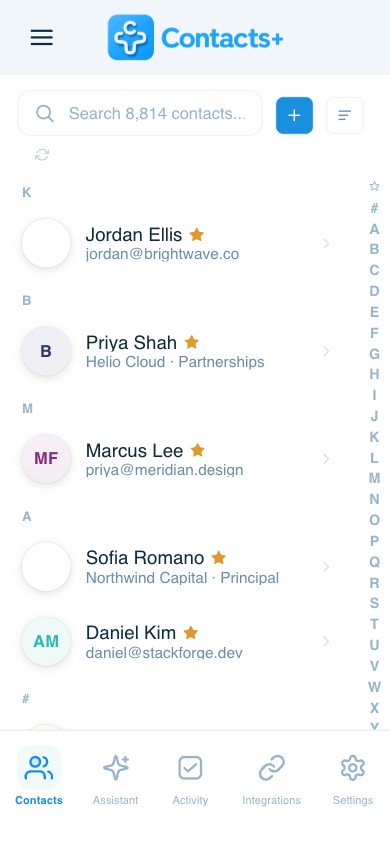
That’s where integrations come in. By connecting Contacts+ with the apps you already use, like your email, calendar, CRM, and task management tools, you can create an interconnected workflow that keeps your data organized, your communication consistent, and your focus where it belongs: on your relationships.
In this post, we’ll explore how integrating Contacts+ with your favorite tools can help you work smarter, save time, and supercharge your productivity.
The Power of Connected Tools
The average professional switches between dozens of apps a day, email platforms, meeting schedulers, CRMs, messaging tools, and more. Each platform contains a piece of the bigger picture of your professional network. But when those pieces aren’t connected, you end up spending valuable time searching for details, updating contact records manually, or trying to remember the last conversation you had with a client.
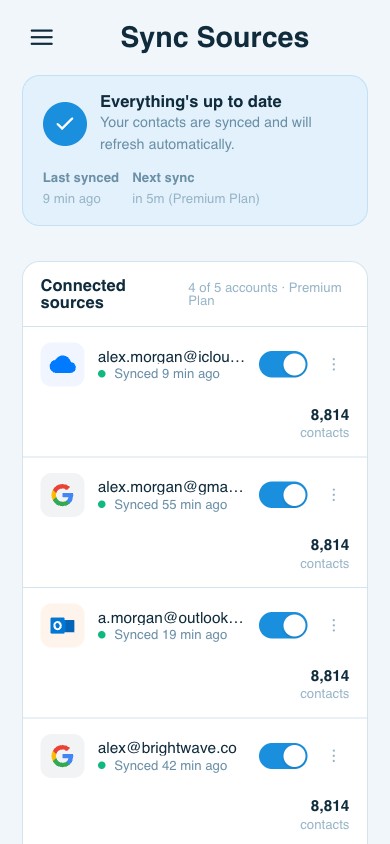
Integrating your tools with Contacts+ eliminates this friction by creating a single, connected system for managing relationships. Whether you’re syncing contacts across Gmail and Outlook, enriching CRM data with the latest job titles, or keeping meeting notes in sync with your task manager, integrations ensure that your contact data stays consistent everywhere you work.
Syncing Contacts+ with Email: A Smarter Inbox
Your inbox is where many of your professional relationships live. Integrating Contacts+ with your email accounts, like Gmail, Outlook, or Apple Mail, ensures that every message you send or receive is backed by up-to-date contact information.
Here’s how this integration enhances your workflow:
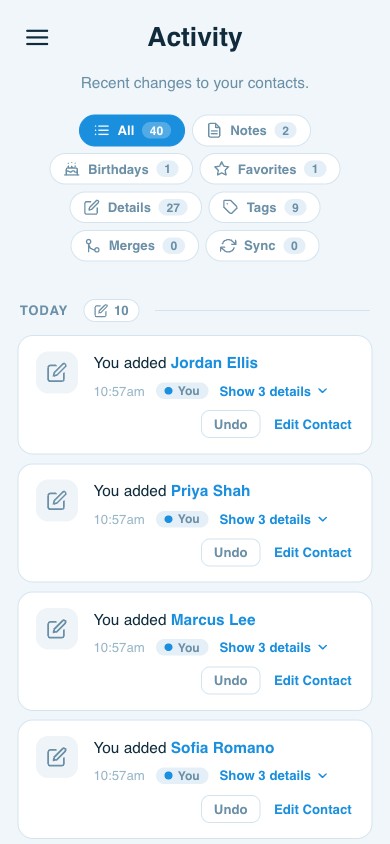
- Automatic contact updates: Every time you exchange an email, Contacts+ automatically captures and updates the sender’s information, no manual entry required.
- Unified contact view: Whether you’re emailing from your desktop, mobile device, or browser, you’ll always have access to the same organized, enriched contact data.
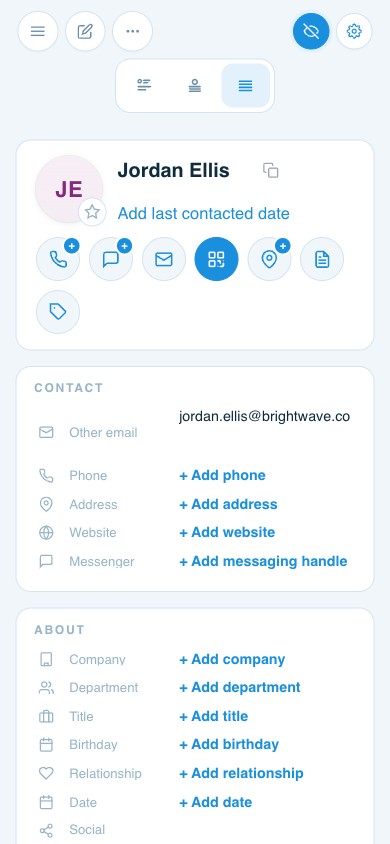
- Instant insights: Contacts+ pulls in social media links, company information, and job titles so you can see context about who you’re communicating with, which helps personalize outreach or reconnect with prospects.
When your email and Contacts+ are in sync, you’re not just managing messages; you’re managing relationships more effectively.
Integrating with Calendars: Smarter Scheduling and Preparation
Meetings are where relationships move forward, but they also create a flood of scheduling details and follow-up tasks. By connecting Contacts+ with your calendar (like Google Calendar or Outlook Calendar), you can ensure every meeting is backed by complete contact context.
Benefits include:
- Automatic contact linking: Calendar events can be automatically associated with the relevant contacts in Contacts+.
- Meeting prep in one place: Before a meeting, you can easily view attendee details, roles, recent updates, and mutual connections, without hunting across multiple platforms.
- Follow-up made easy: Once a meeting concludes, you can set reminders or add notes directly in Contacts+, ensuring no action item slips through the cracks.
When your calendar and Contacts+ work together, scheduling becomes more strategic. You’ll spend less time managing logistics and more time building meaningful relationships.
CRM Integrations: Keeping Sales and Client Data Aligned
For teams and individuals managing client relationships, CRM integrations are among the most valuable in Contacts+. When Contacts+ is connected to your CRM, your contact data becomes a living, breathing asset that updates automatically.
Here’s what that looks like in practice:
- Consistent data: No more duplicate entries or outdated contact records. Contacts+ ensures your CRM reflects accurate, enriched details.
- Lead enrichment: Contacts+ can automatically populate missing information, like job titles or social links, giving sales and marketing teams a more complete profile of each lead or client.
- Improved collaboration: When all team members have access to the same up-to-date contact data, it’s easier to coordinate outreach and maintain a unified client experience.
By integrating your CRM with Contacts+, you transform your contact database into a real-time intelligence system that keeps your pipeline clean and your communication efficient.
Connecting with Task Managers: Turn Contacts into Action
Contacts often inspire action, whether it’s following up with a client, sending a proposal, or scheduling a check-in. That’s where task management integrations come in.
When you connect Contacts+ to tools like Todoist, Asana, or Trello, you can turn contact-related tasks into actionable steps directly within your productivity platform.
Key benefits include:
- Automatic task creation: Convert contact reminders or meeting follow-ups into tasks with due dates and priorities.
- Centralized workflow: Manage relationship-building tasks in the same place as your project work, keeping everything visible and actionable.
- Never miss a follow-up: Contacts+ reminders ensure that no key relationship goes unattended, even during busy project cycles.
These integrations bridge the gap between relationship management and task execution, ensuring that every contact is followed by meaningful action.
Bonus: Integrating with Cloud Storage and Communication Tools
Beyond email, calendars, and CRMs, Contacts+ can also integrate with cloud and communication platforms such as Google Drive, Slack, and Microsoft Teams.
- Cloud integration keeps files and contact-related documents organized and accessible from one place.
- Slack or Teams integration lets you instantly access contact details in chats, making it easier to connect the dots during internal discussions or client meetings.
The more integrated your Contacts+ setup, the more streamlined your daily communication becomes.
How to Get Started with Contacts+ Integrations
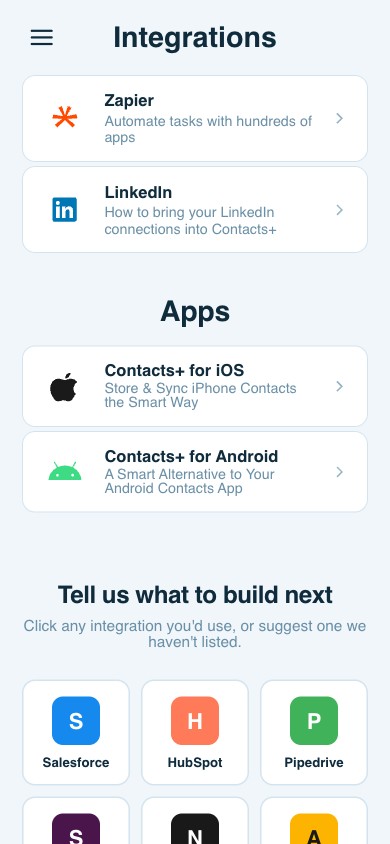
Setting up integrations is simple. Use integration tools, like Zapier, to connect the apps and services you use most frequently in just a few clicks. Once connected, Contacts+ automatically syncs and updates data across all platforms, saving you hours of manual data entry and keeping your contact database up to date.
Pro tip: Start small. Begin by syncing Contacts+ with your primary email and calendar. Once you see how much smoother your workflow becomes, add more integrations, such as your CRM or task manager, to complete your productivity ecosystem.
The Future of Productivity Is Connected
In a world where work happens across dozens of tools and devices, true productivity isn’t about working harder; it’s about working smarter. Contacts+ integrations allow you to create a connected, automated workflow that keeps your contact data accurate, your communication seamless, and your relationships thriving.
By linking Contacts+ with your favorite tools, you eliminate data silos, reduce repetitive work, and gain a clearer picture of your professional network. Whether you’re managing clients, coordinating projects, or building partnerships, integrating Contacts+ will help you stay one step ahead, stay organized, stay informed, and be ready to connect.
Related articles
Email, Calendar, CRM: How to Decide What’s Best for Contact Organization

How to Use Make Alongside Your Contact Management App

6 Integrations Crucial for your Contact Management App
Put your contacts to work
Sync, enrich, and clean your entire address book with ContactsPlus — free to start.
Sign up free ← Back to all articles